Your Settings page just got a lot quicker to navigate.
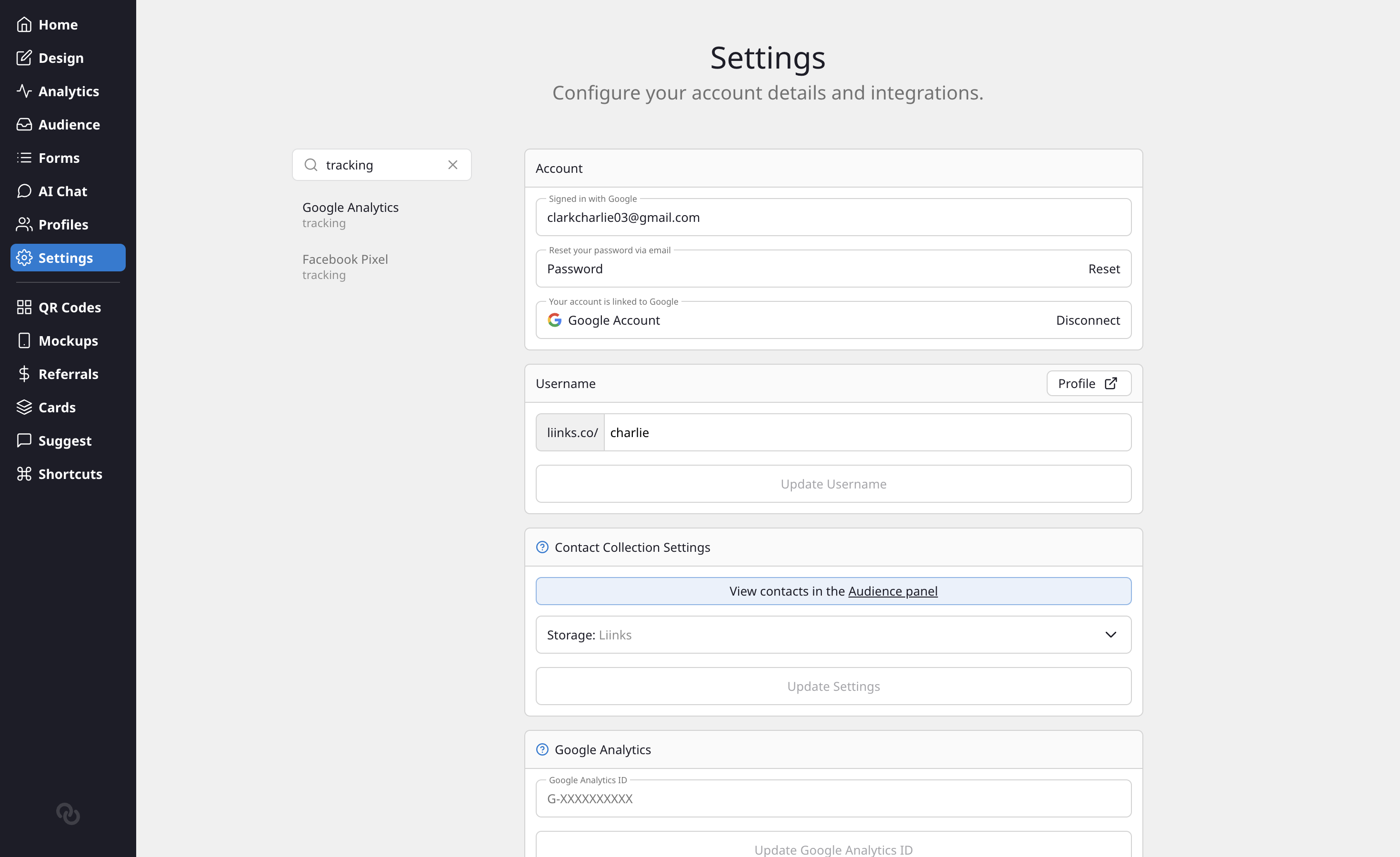
Search the Settings sidebar
There's a new Search settings box above the section list in the Settings sidebar. Type a section name or a related keyword and the list narrows to just the matching sections. Searching "tracking", for example, filters down to Google Analytics and Facebook Pixel, with the matched keyword shown beneath each one.
Jump to a setting from the Command Menu
The same keywords now power the Command Menu (Cmd+K / Ctrl+K). As soon as you start typing, matching settings sections appear under a Settings group, so you can jump straight to Custom Domains, API Keys, Notifications, or any other section without leaving your keyboard.
Read more: Command Menu.