Forms are now a top-level concept in Liinks — with their own panel in the admin sidebar and a much bigger job to do across the product.
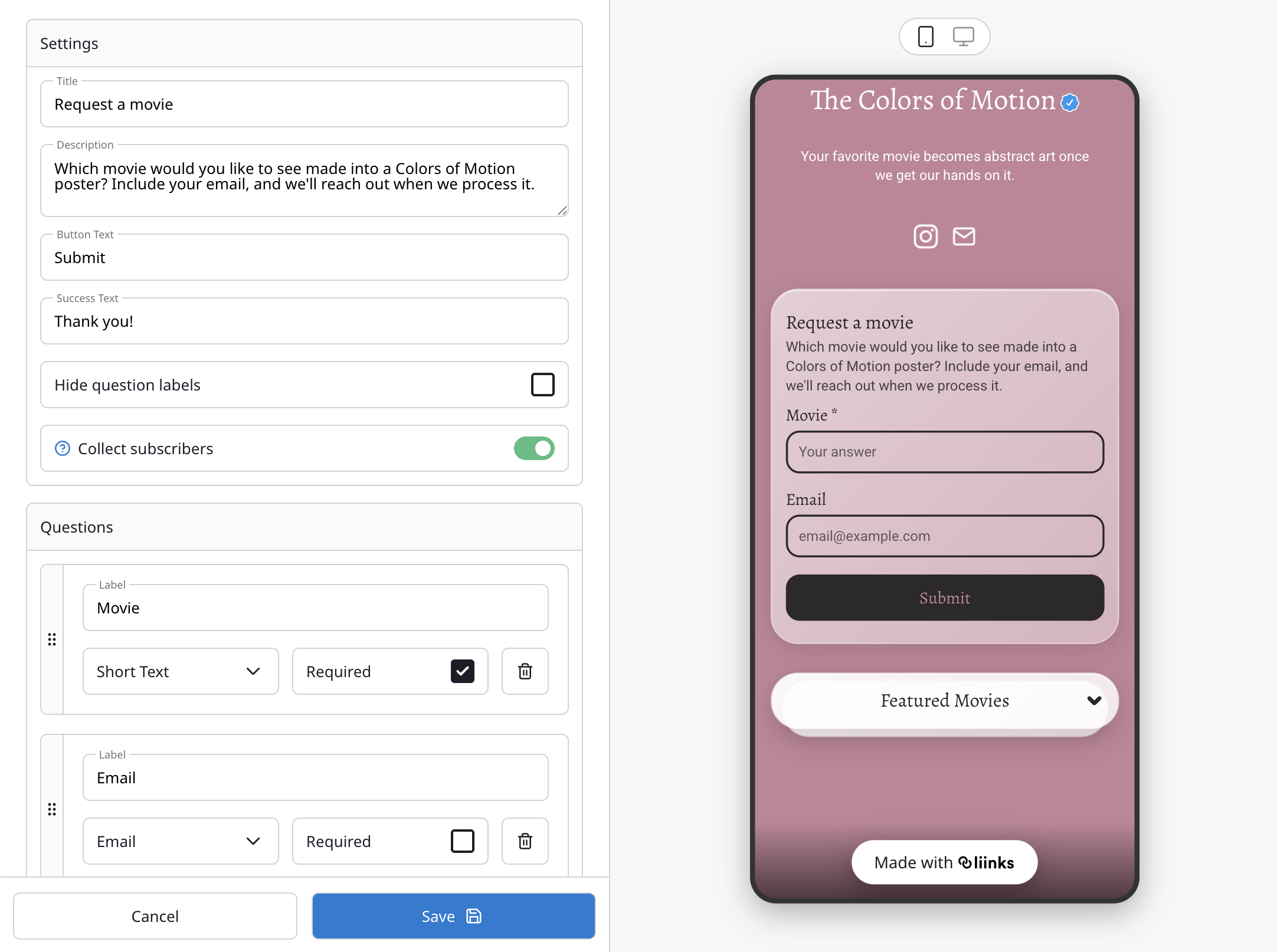
One form builder, three surfaces
The same form builder now powers three different things on your profile — so anything you can do in a form (name, email, address, dropdowns, ratings, custom questions, and more) works everywhere:
- Form blocks — Drop a form anywhere on your page to collect responses.
- Subscribe blocks — Any form with Collect subscribers turned on feeds your subscriber list. Capture more than just an email — ask for a name, location, or anything else you want to know about your audience.
- Link & page gates — Gate a link or a whole page behind a form. Previously this was limited to a single password prompt; now visitors can be asked for an email, a code, a name, or any combination before unlocking.
And in the new Forms panel
- Templates — Start from Contact, Newsletter, Waitlist, Event RSVP, Feedback, Q&A, Booking, Lead Capture, Shipping, or Blank.
- Address field — A structured address input with street, city, state, postal code, and country.
- Standalone form URLs — Every form has its own shareable link at
liinks.co/yourname/form/formId, so you can send a form on its own without pointing visitors at your full profile. - Responses in one place — See every form's responses, copy share URLs, and export to CSV from the form detail view.
Forms are available on all plans. Read the full guide: Forms.