You can now show a single announcement across your profile: a banner at the top, a fullscreen popup, or a card in the bottom corner.
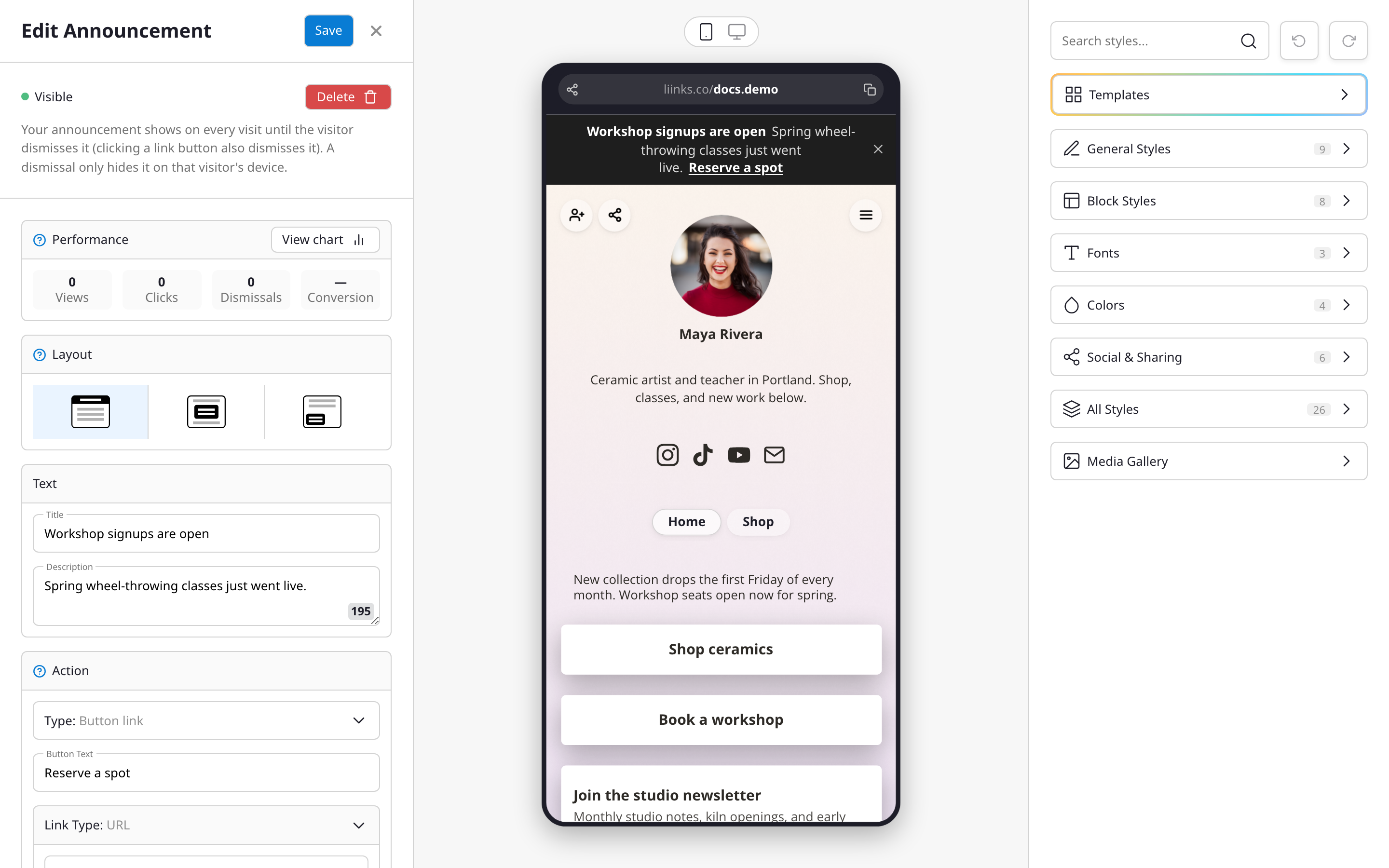
Announcements are built for time-sensitive news: a sale, a launch, a schedule change. Add a title and description, then optionally attach a button that opens a link, or a form to collect responses right from the announcement. You can style it with your own colors, add an image, and schedule it to appear and disappear automatically.
Visitors see the announcement on every visit until they dismiss it, and the editor's Performance section tracks views, clicks, dismissals, and conversion over time.
Find it in the page editor under Announce, or read the Announcements article for the full walkthrough.