No logo? No background? No problem. You can now generate images with AI right inside Liinks, anywhere you'd normally upload one.
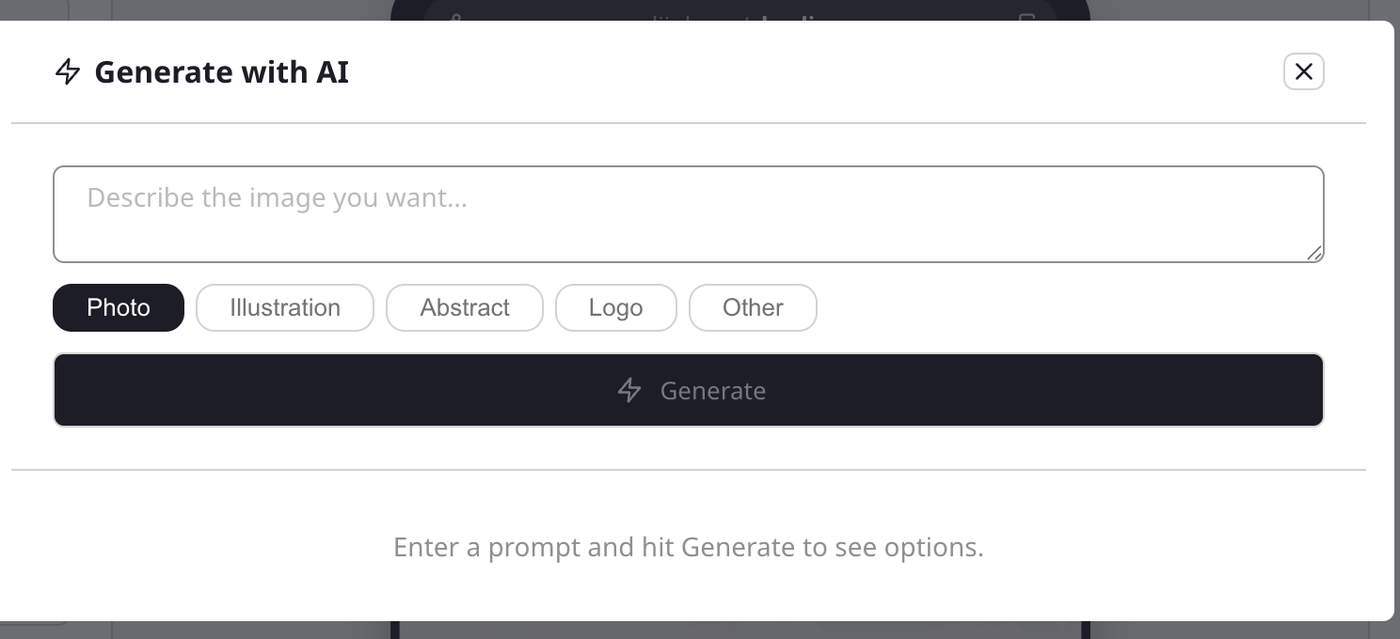
Look for Generate with AI on your profile picture, page background, and link thumbnails. Describe what you want, pick a style (Photo, Illustration, Abstract, Logo, or Other), and choose your favorite from the generated options. Backgrounds come out tall to fit your page; everything else is square.
Building your profile with Liinksy? Ask for images in the chat and tap the one you like to apply it instantly.
You can generate up to 30 images per day.
Read the full guide: Generate images with AI