Building your page just got quicker. The Add Block menu has been redesigned to help you find and add the right block in seconds.
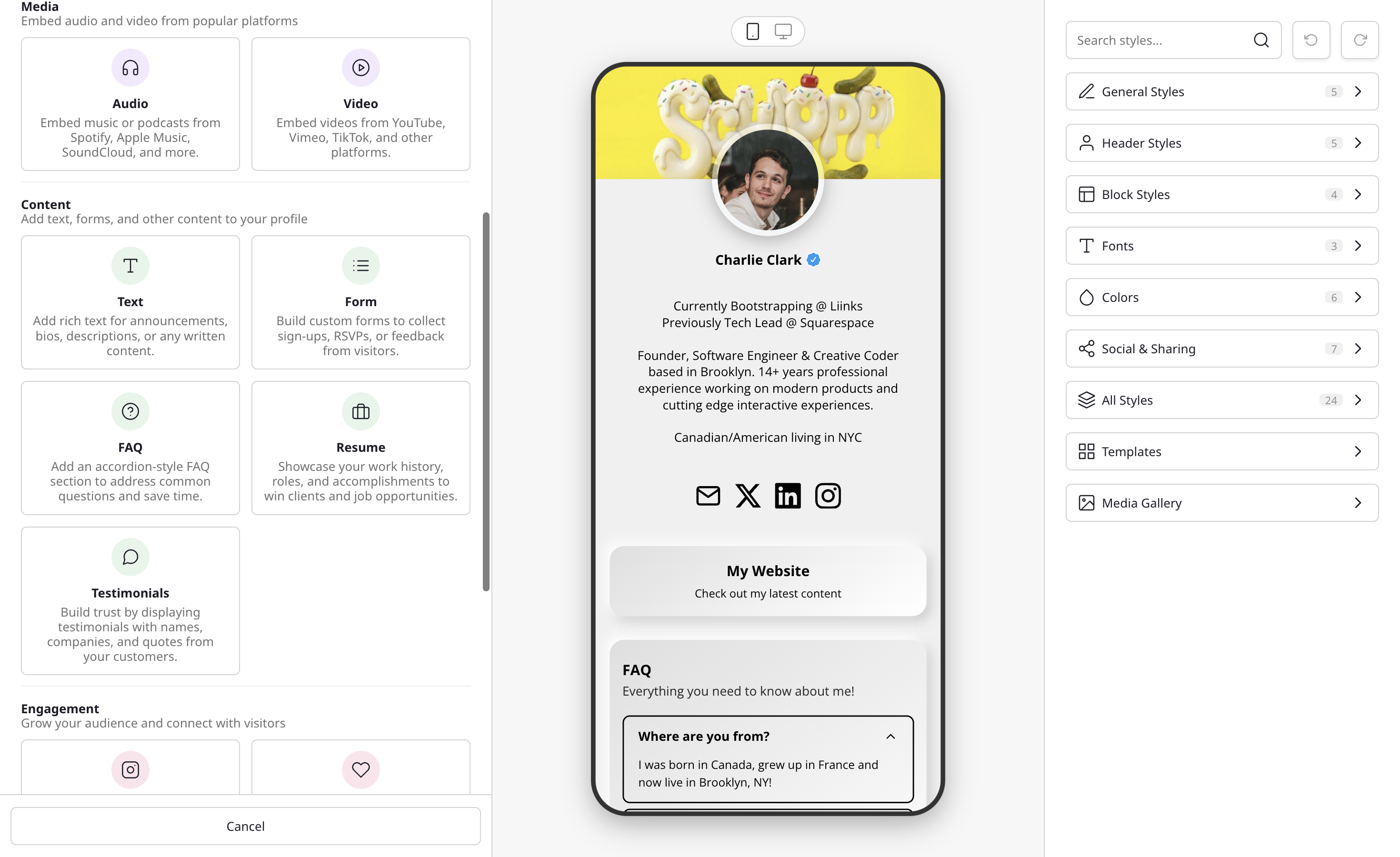
Popular blocks, front and center
A new Popular row pins the most-used blocks (URL, Form, Embed, and Folder) to the top of the menu, so you don't have to scroll past every category to reach them. The rest of the blocks are listed below, grouped by category.
Search that understands what you mean
The search box now matches synonyms, not just exact names. Type what you want to do and the right block surfaces: "podcast" finds the audio embed, "CV" finds Resume, "newsletter" finds Collect Emails, "tip jar" finds Donate, and "X" or "Threads" finds Follow.
Smart paste
Paste a link or email address straight into the search box and Liinks routes it to the right block for you. Media links open the media embed, emails become an email button, and regular web links are scanned to pre-fill the title, description, and image automatically.
Read more: Block types.