Give your links a little personality. You can now drop a 3D icon into any link that shows an image, no design work or uploads required.
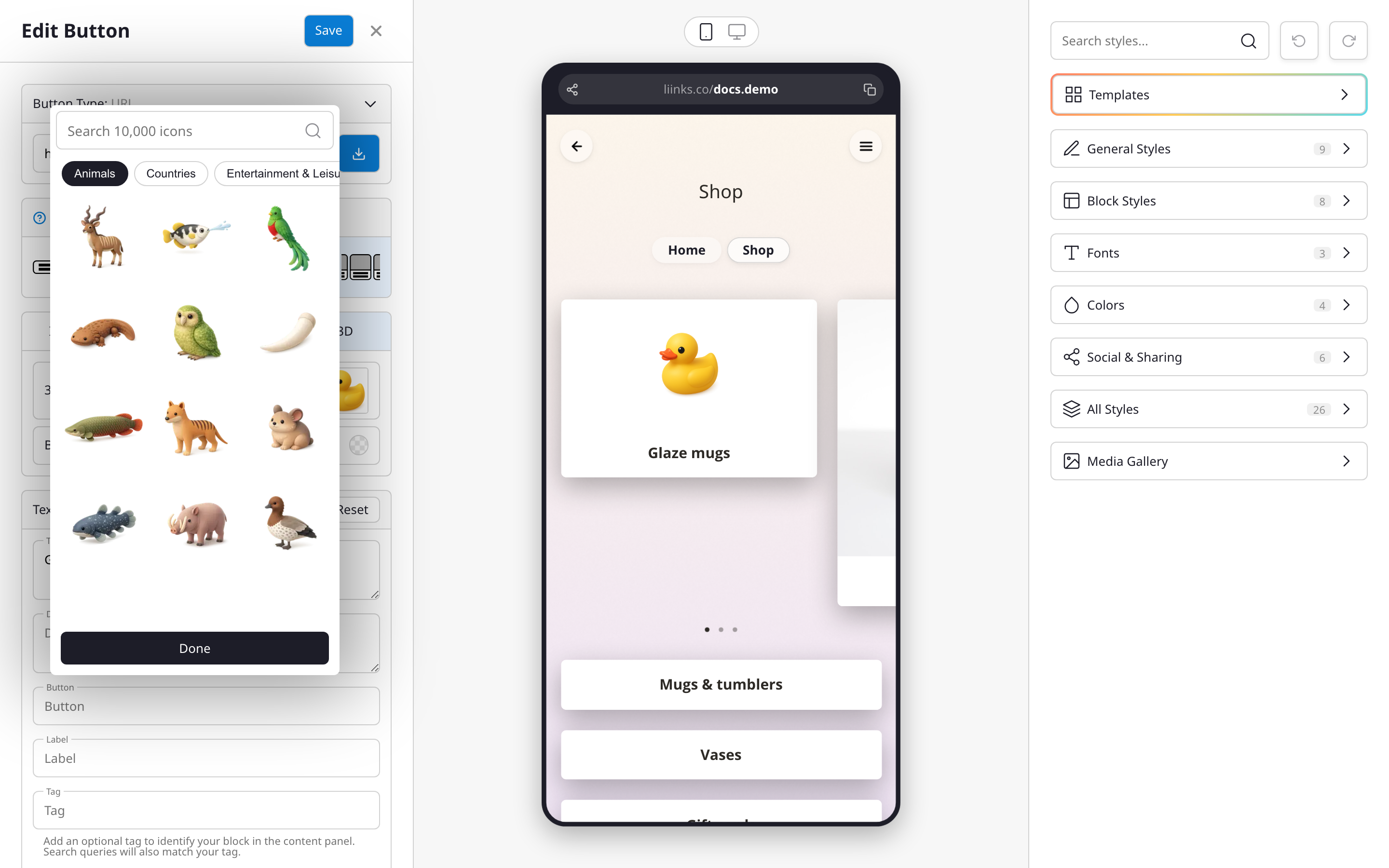
A built-in library of 3D icons
When you edit a link on a thumbnail or image layout, you'll see a new 3D option next to Image, Icon, and Emoji. Pick it and a picker opens with a library of thousands of playful, rendered icons.
Browse by category or search for exactly what you want, click to add it, and set a background color behind it to match your page. Your link preview updates right away.
Why you'll like it
- Add depth and personality to your links in a couple of clicks.
- No image editing or file hunting: everything lives in the picker.
- Icons match the rest of your page design out of the box.
Read more: Link icons and 3D icons.