The mockup generator lets you create polished, shareable images of your Liinks page — perfect for social media, portfolios, or pitch decks.
Getting started
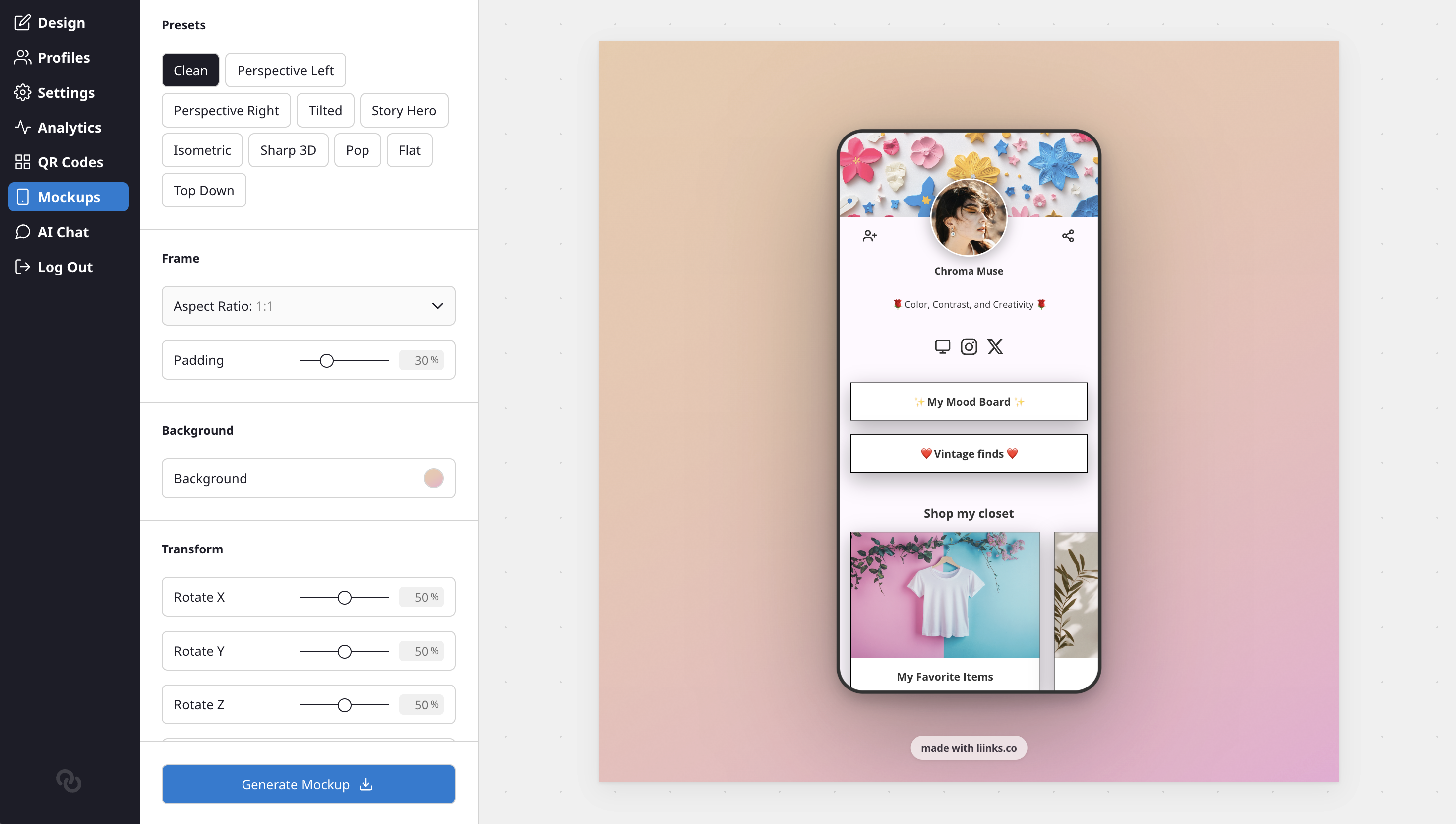
- Open the sidebar and click Mockups in the Extras section (just below QR Codes)
- Your page loads in a live preview with the default settings applied
- Adjust the settings on the left panel, then click Generate Mockup to download the image
Presets
Choose from a curated set of one-click presets at the top of the panel:
- Clean — Straight-on view with a soft drop shadow
- Perspective Left / Right — Angled 3D views
- Tilted — Slight rotation for a casual look
- Isometric — Angled from above with a subtle 3D effect
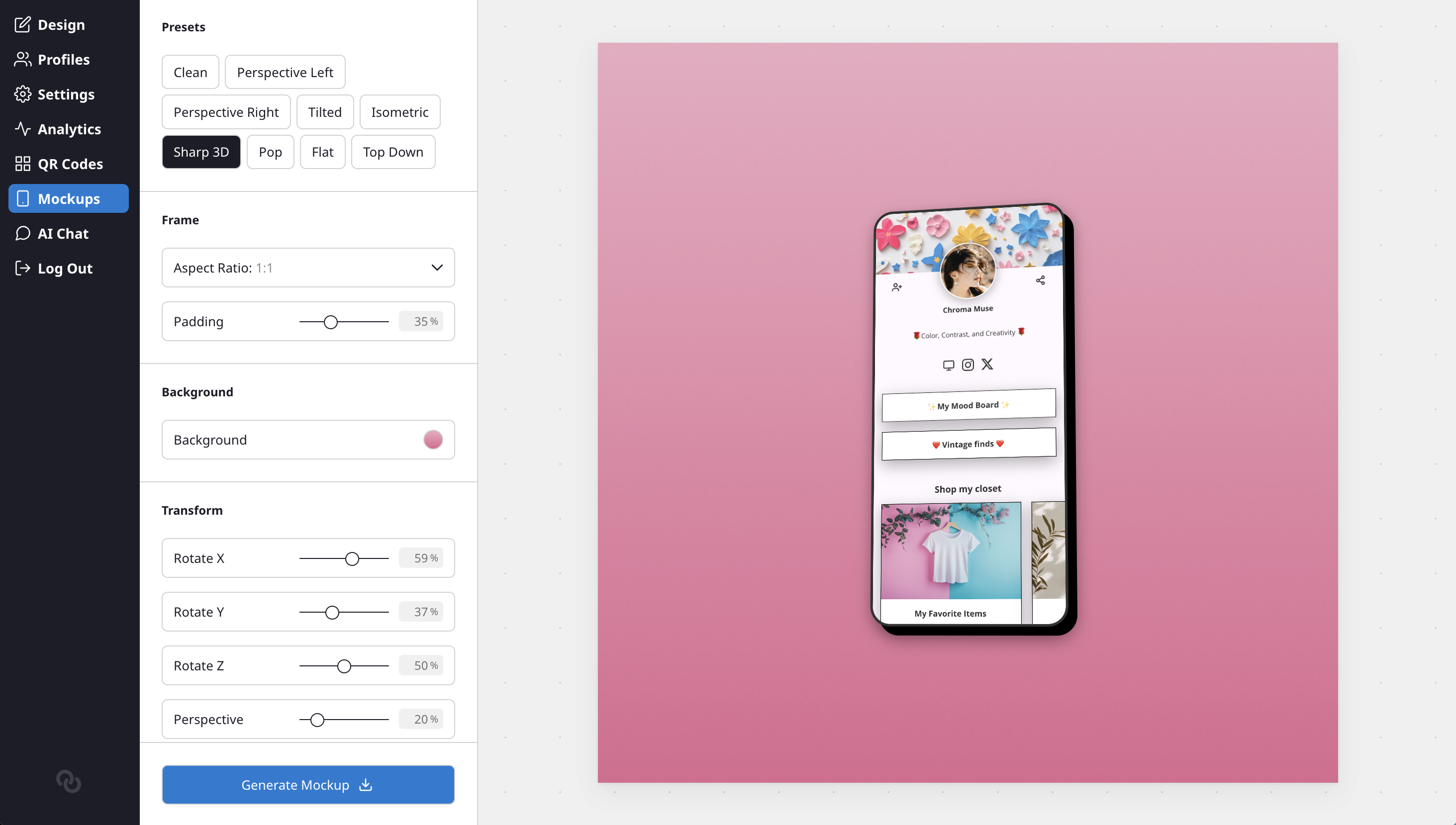
- Sharp 3D — Hard black shadow for a bold, graphic feel
- Pop — Offset hard shadow with a slight tilt
- Flat — No shadow, centered on the background
- Top Down — Viewed from above at an angle
The active preset is highlighted so you can see which one matches your current settings.
Frame settings
- Aspect Ratio — Choose from 1:1 (square), 4:5 (Instagram portrait), 9:16 (Stories), 16:9 (landscape), or set a custom size
- Padding — Control how much space surrounds your page within the frame
Background
Set the background behind your device mockup. You can use a solid color, gradient, split, or image — the same options available in the page design editor.
Transform
Fine-tune the 3D positioning of your page:
- Rotate X / Y / Z — Tilt and rotate the device in 3D space
- Perspective — Control the depth of the 3D effect (lower values = more dramatic)
- Scale — Make the device larger or smaller within the frame
Shadow
- Toggle the shadow on or off
- Adjust color, blur, and offset (X and Y) to get the look you want
Badge
A small "made with liinks.co" badge appears at the bottom of the mockup by default. You can toggle it off in the settings.
Downloading your mockup
Click the Generate Mockup button at the bottom of the panel. Your mockup will be rendered at full resolution and downloaded as a PNG image.