With Media blocks, you can embed audio and video content directly on your Liinks page. Visitors can listen or watch without leaving your profile.
Supported platforms
Audio
- Spotify — Tracks, albums, and playlists
- Apple Music — Songs and albums
- Soundcloud — Tracks and sets
Video
- YouTube — Videos and shorts
- Vimeo — Videos
- Twitch — Streams and clips
Additional platforms may also be supported — simply paste the URL and the embed will be generated automatically.
How to add a media embed
- Click the Add Block button on your profile editor.
- Select Audio or Video from the block type list.
- Paste the URL of the content you want to embed (e.g., a Spotify track link or YouTube video URL).
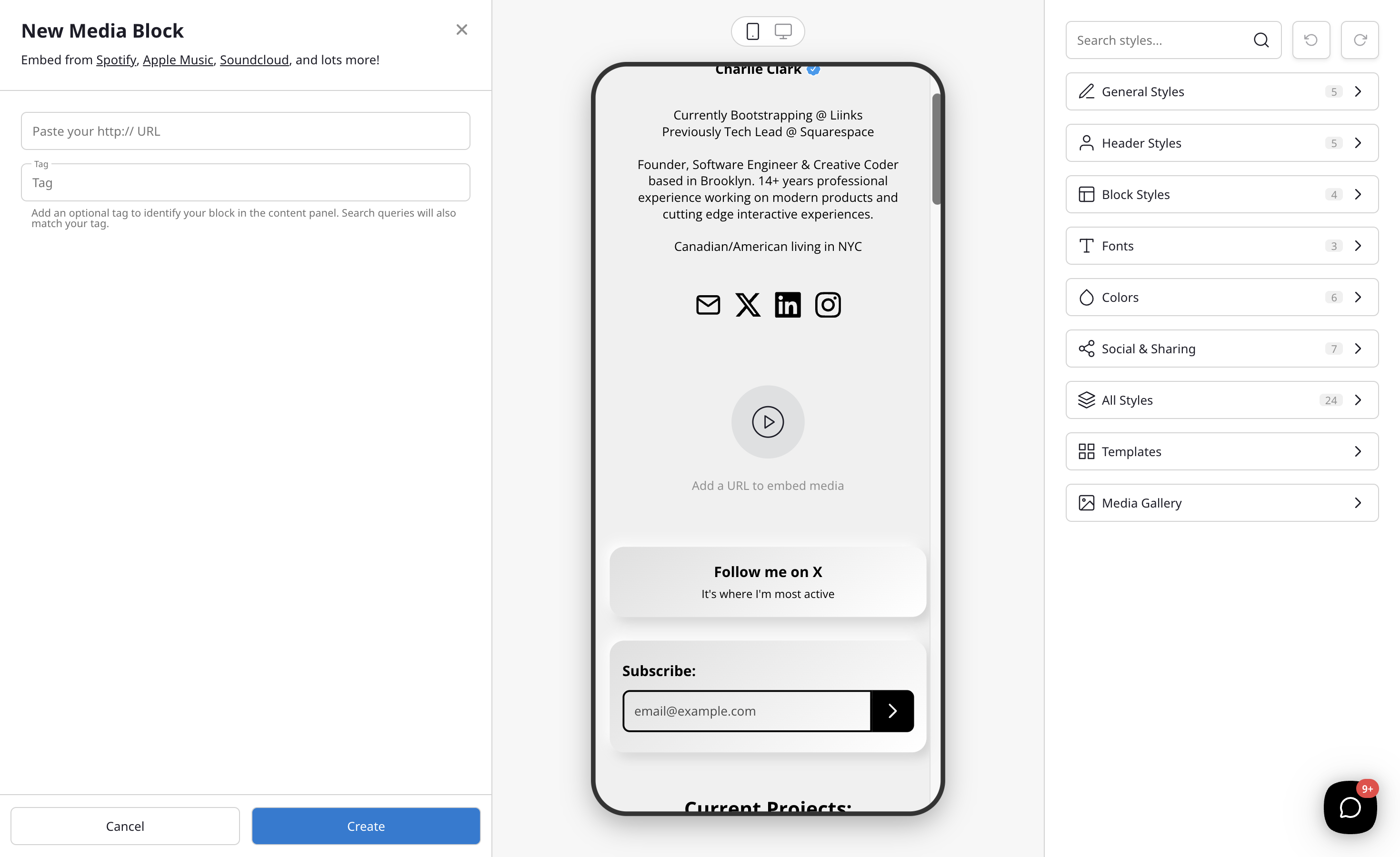
- The embed preview will appear automatically.
- Optionally add a tag to help you identify the block in your admin panel.
- Click Create to add the embed to your page.
Tips
- You can embed multiple media blocks on the same page — great for showcasing a playlist, album, or video series.
- Media embeds are responsive and will adapt to mobile and desktop screens.
- Use the tag field to label your embeds (e.g., "Latest Single", "Demo Reel") for easier management in your admin panel.