Creating your Liinks account is quick and easy. You can do this from the homepage. In the top right, you can click “Sign Up” or type your desired user name into the bar in the center of the page.
Sign up with Google
The fastest way to create an account is to click Continue with Google on the signup page. This uses your existing Google account to sign up — no new password needed. After connecting your Google account, you’ll enter the onboarding flow to choose your username and set up your page.
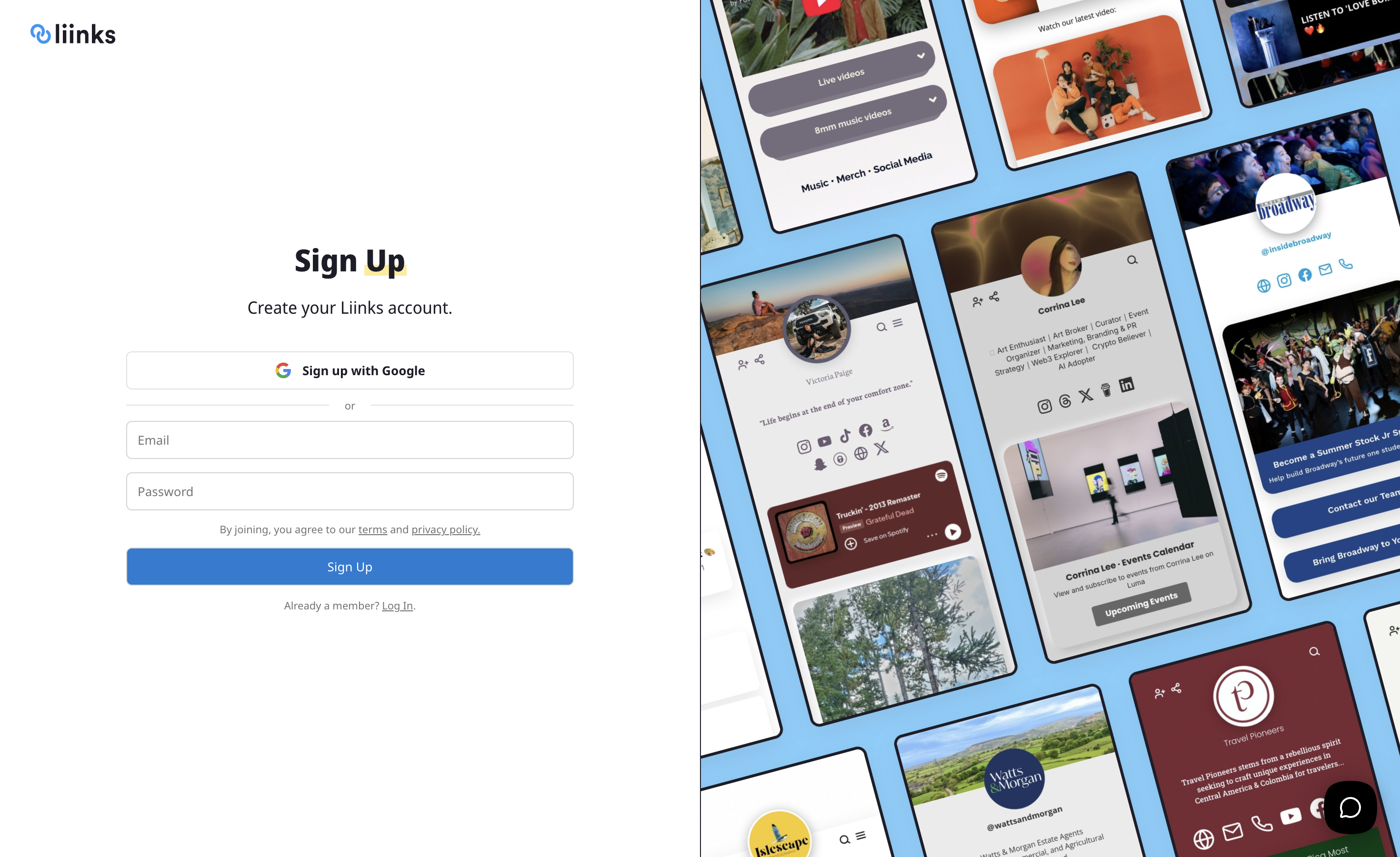
Sign up with email
You can also sign up with your email address and create a password. After providing a valid email address and creating a password, you’re ready to start creating your page!
Import from Instagram during setup
During onboarding, you’ll see an option to Connect Your Instagram. Enter your Instagram handle and Liinks will automatically pull in your bio, profile photo, and link to build your page in seconds — no Instagram login required.
This step reads your public Instagram profile, so your account doesn’t need to be a professional or business account. If you’d rather set things up manually, just tap Skip to move on.
Connect Google to an existing account
If you already have a Liinks account that you created with email and password, you can link your Google account from your account settings:
- Go to Settings in the sidebar.
- Under the Google Account row, click Connect.
- Sign in with the Google account you'd like to link.
Once connected, you can sign in with either your password or Google. If you ever want to unlink Google, head back to Settings and click Disconnect — just make sure you have a password set first so you don't lose access to your account.