We've launched a bunch of fun new features for you to give you even more control over your Link Blocks!
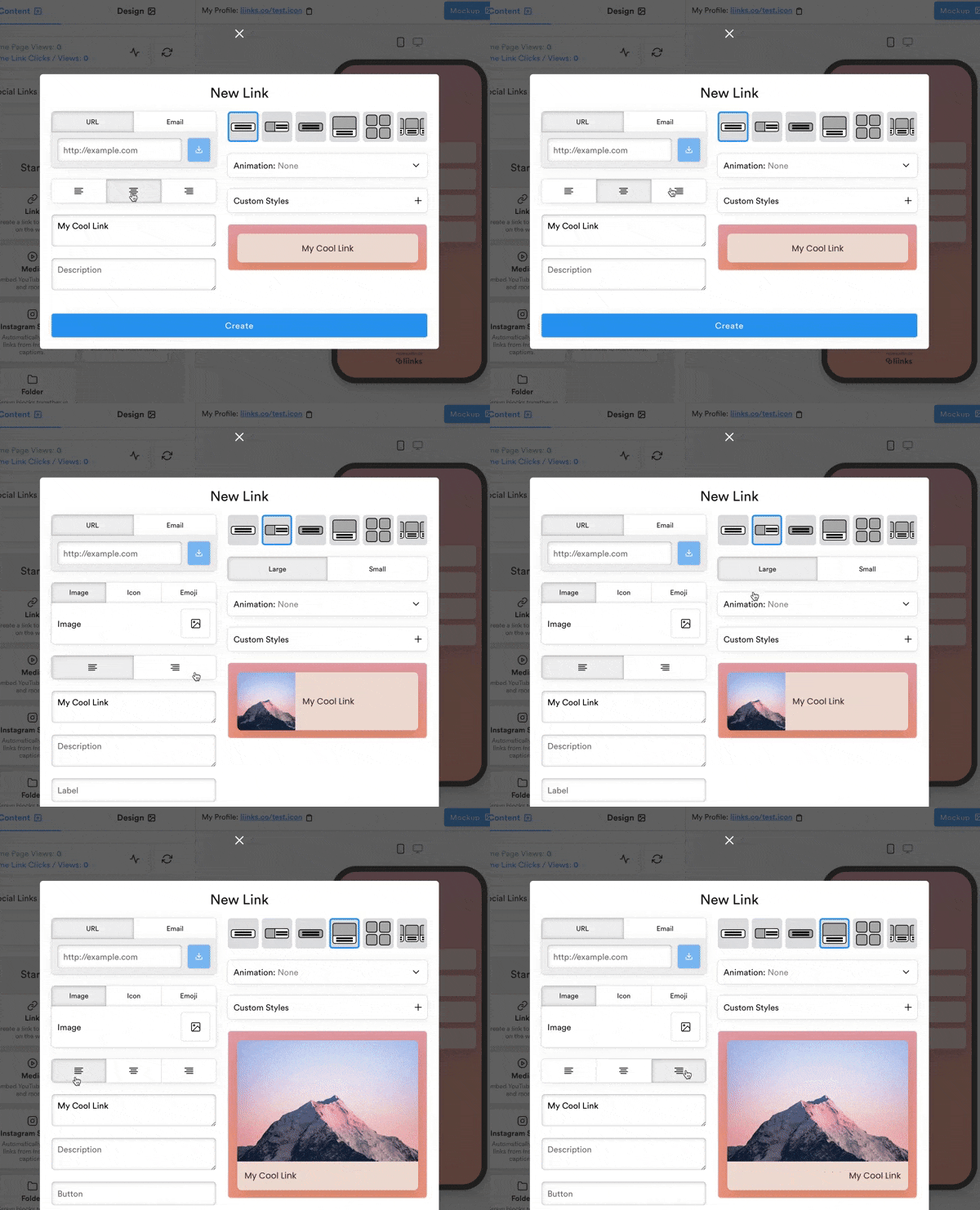
1) Control alignment
You can now control the alignment of the text of your Link Block. For the thumbnail layout, changing the alignment will also change the side on which the image is displayed.
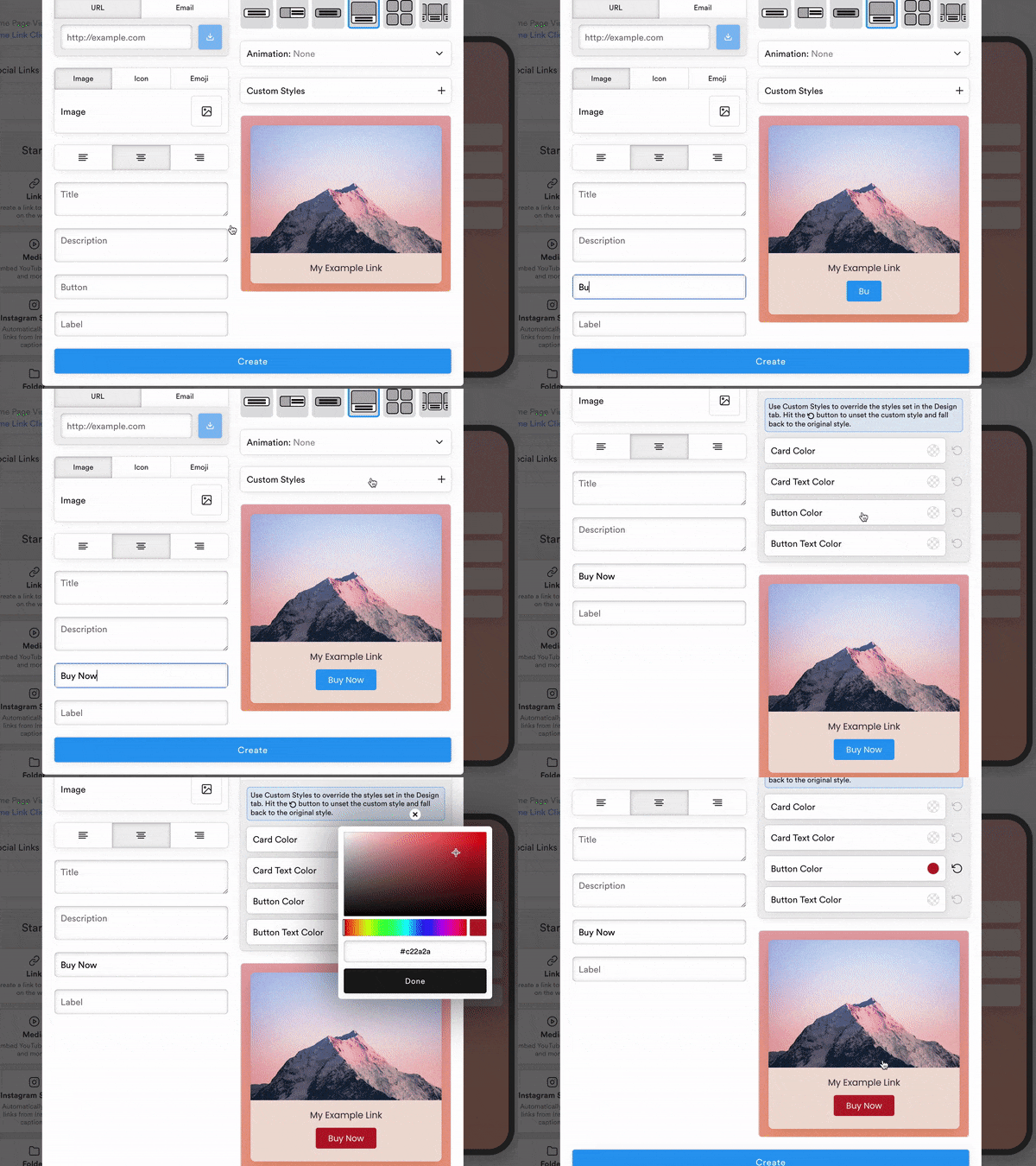
2) Action buttons
You can now add an action button to our big image layout. Control the color of the button globally in the design panel, or for a specific link in the Custom Styles dropdown.
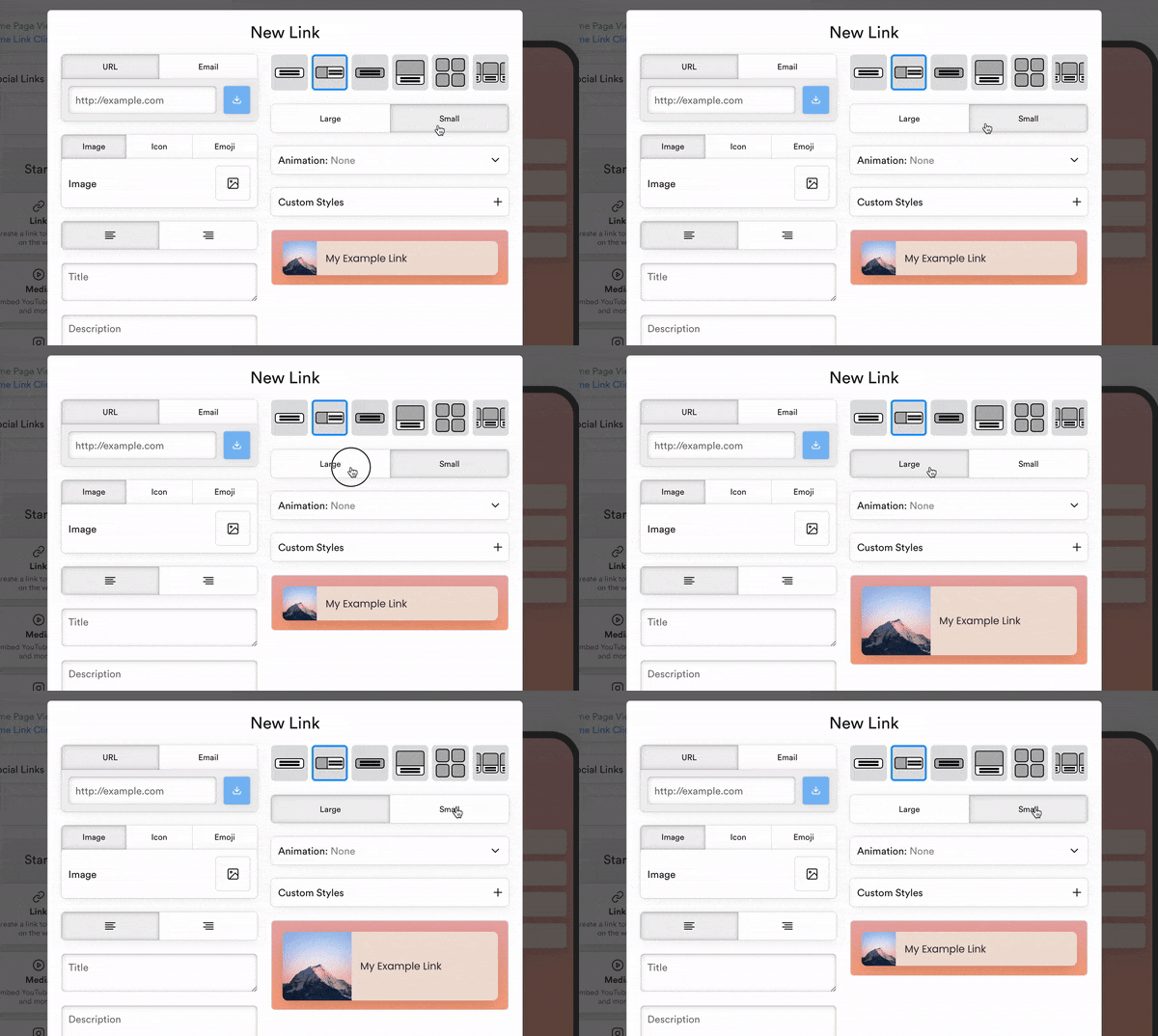
3) Small thumbnail layout
Our thumbnail layout is now available in a smaller, more compact style. Handy if you want to stack a bunch of links without taking up too much space!