We are thrilled to announce a new feature that allows visitors to search for blocks on our users' Links pages. This feature will provide a more efficient and user-friendly experience for visitors by making it easy for them to find the information they need.
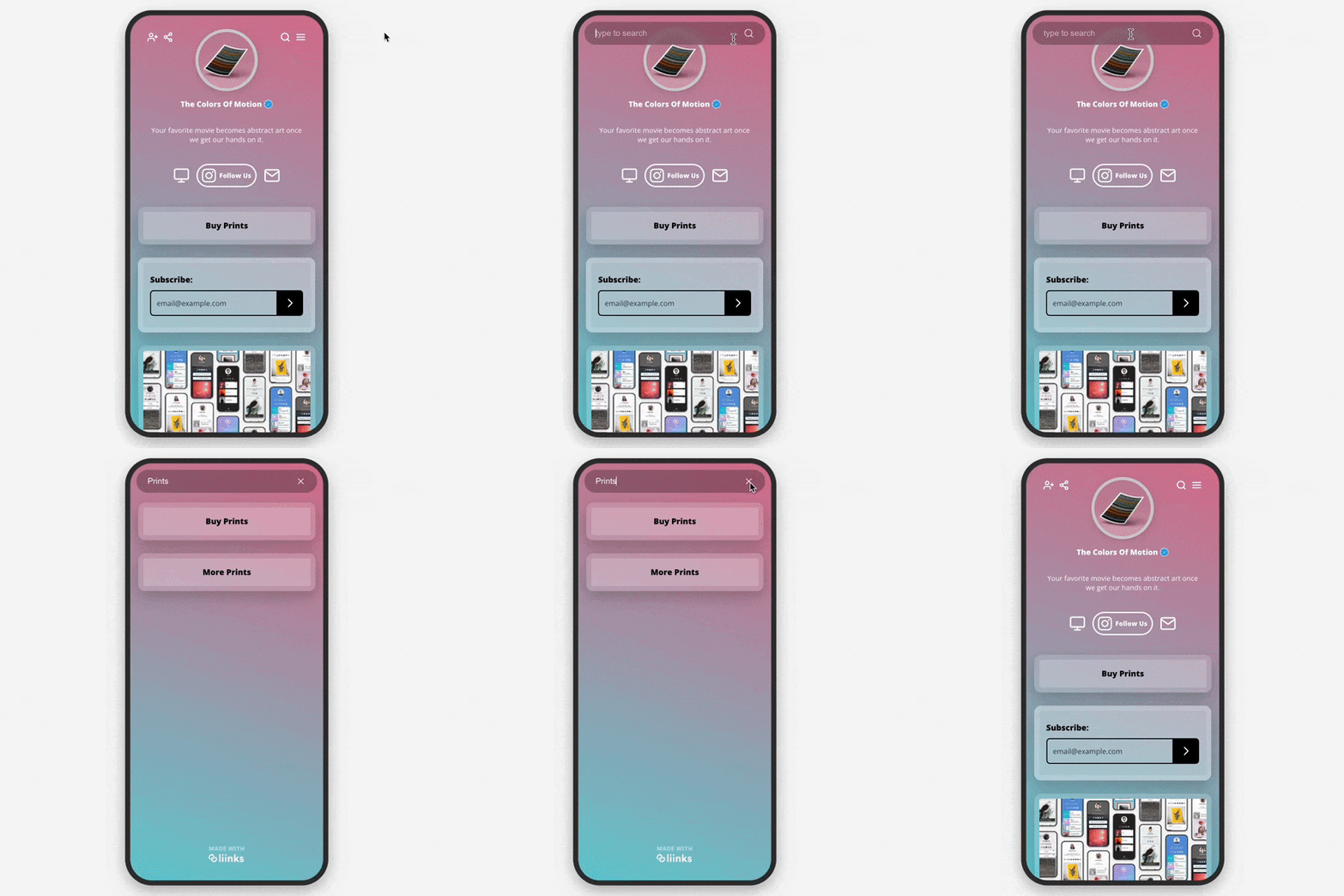
To access the search feature, visitors can simply click on the search icon located in the toolbar. Once clicked, a search bar will appear where visitors can type in a keyword. This feature will allow visitors to quickly and easily search through the available blocks on our users' Links pages and find the information they are looking for.
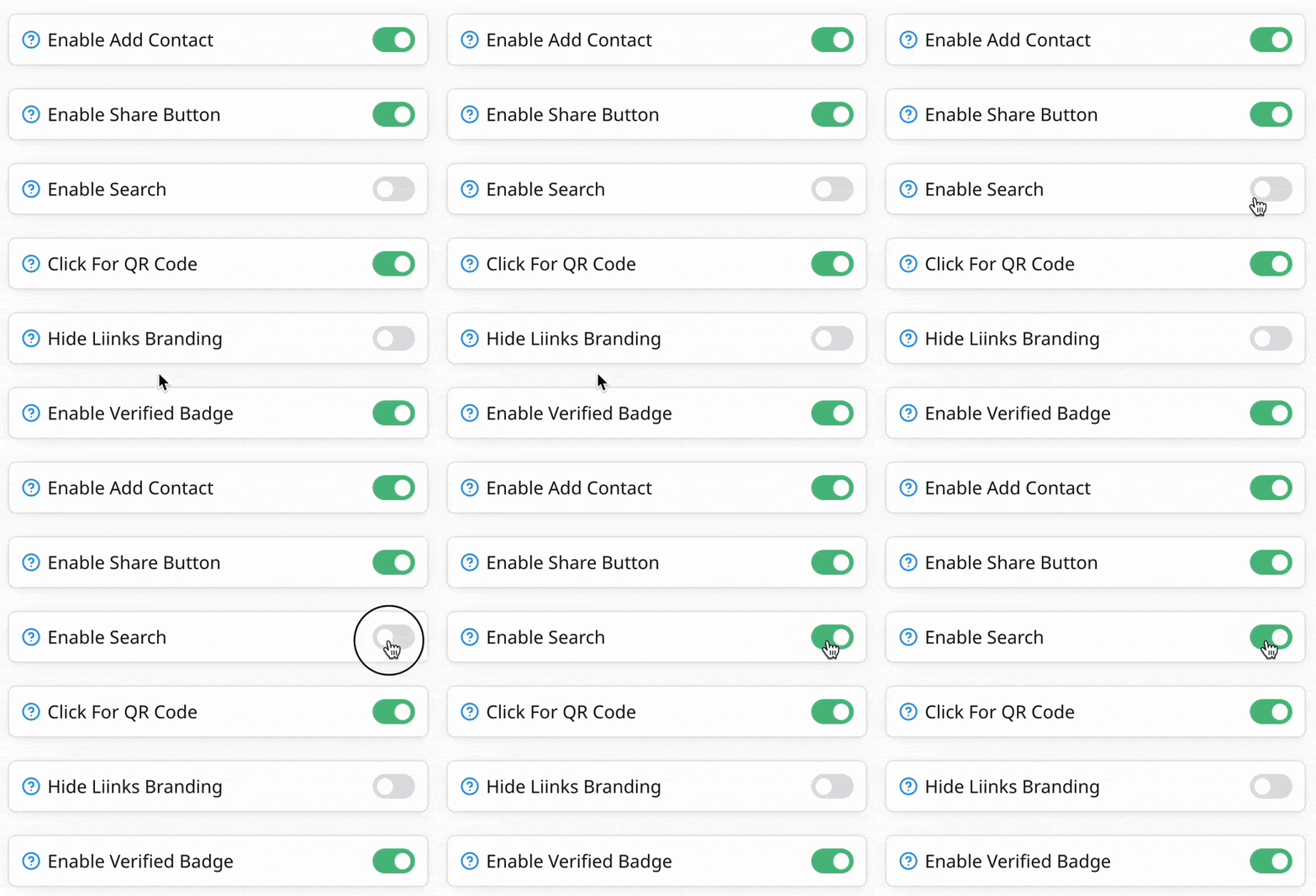
This feature can be enabled in the "Design" panel.
We believe that this feature will greatly enhance the user experience for visitors and make it easier for them to find the information they need on our users' Links pages.