Folder blocks can now be nested inside other folders, giving you multi-level organization for your content.
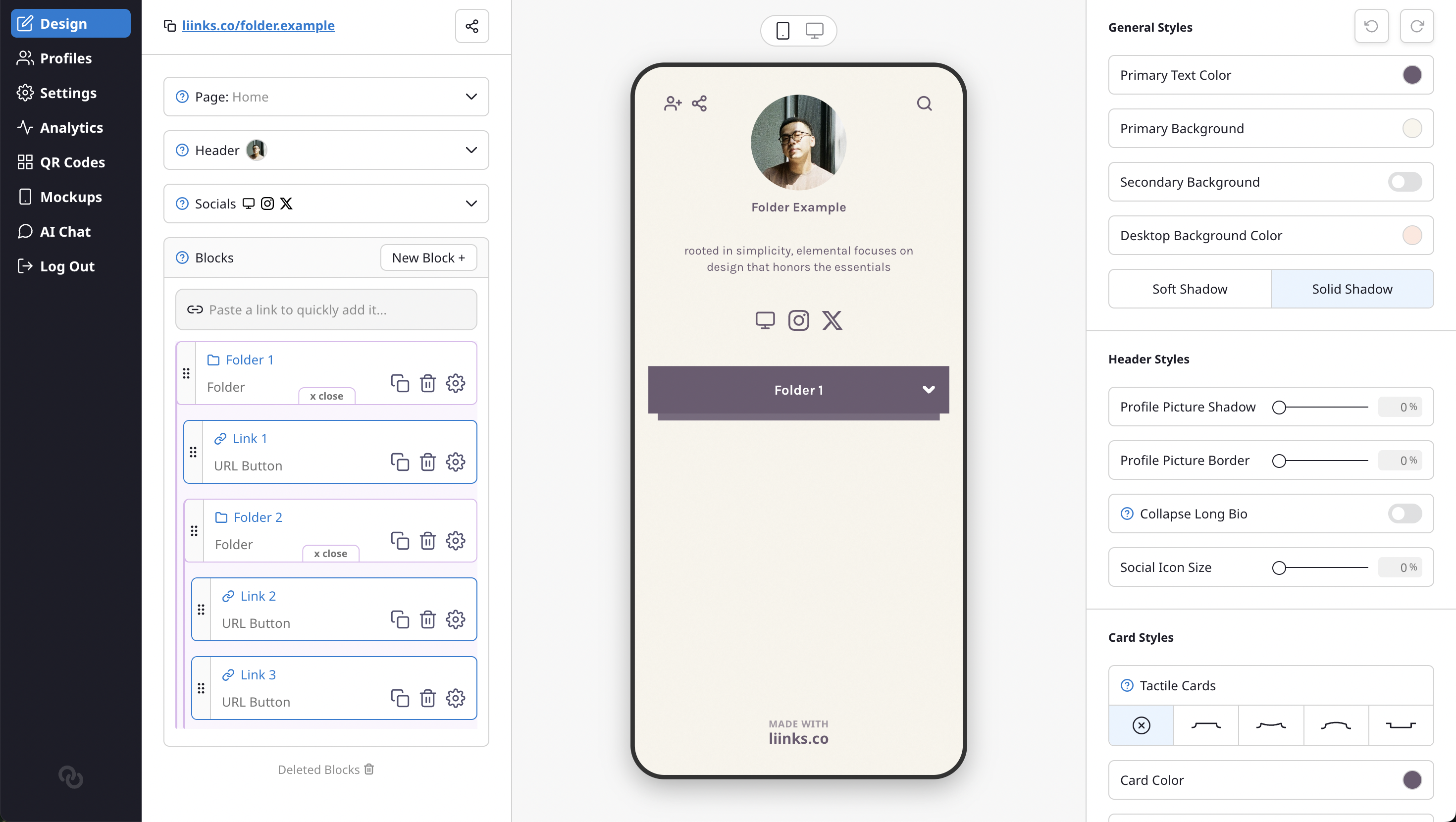
Create categories within categories — for example, a "Resources" folder containing separate "Videos" and "Articles" folders, each with their own blocks inside. Drag and drop works seamlessly across nesting levels: drag a block into a folder to nest it, or drag it left to pull it back out.
We've also rebuilt the drag-and-drop system from the ground up with smoother animations, better drop indicators, and a hover-to-add-block button between blocks for quicker editing.