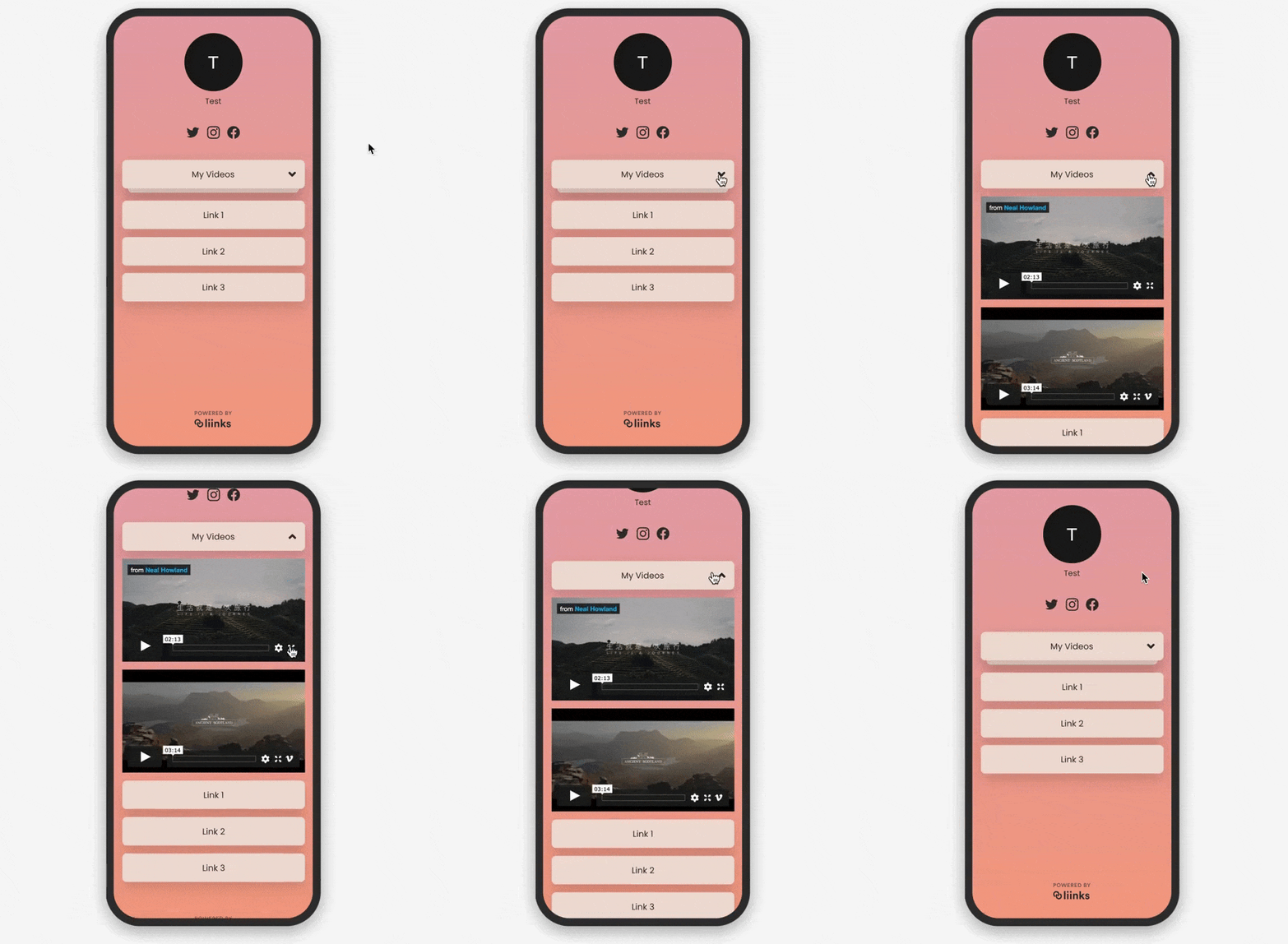
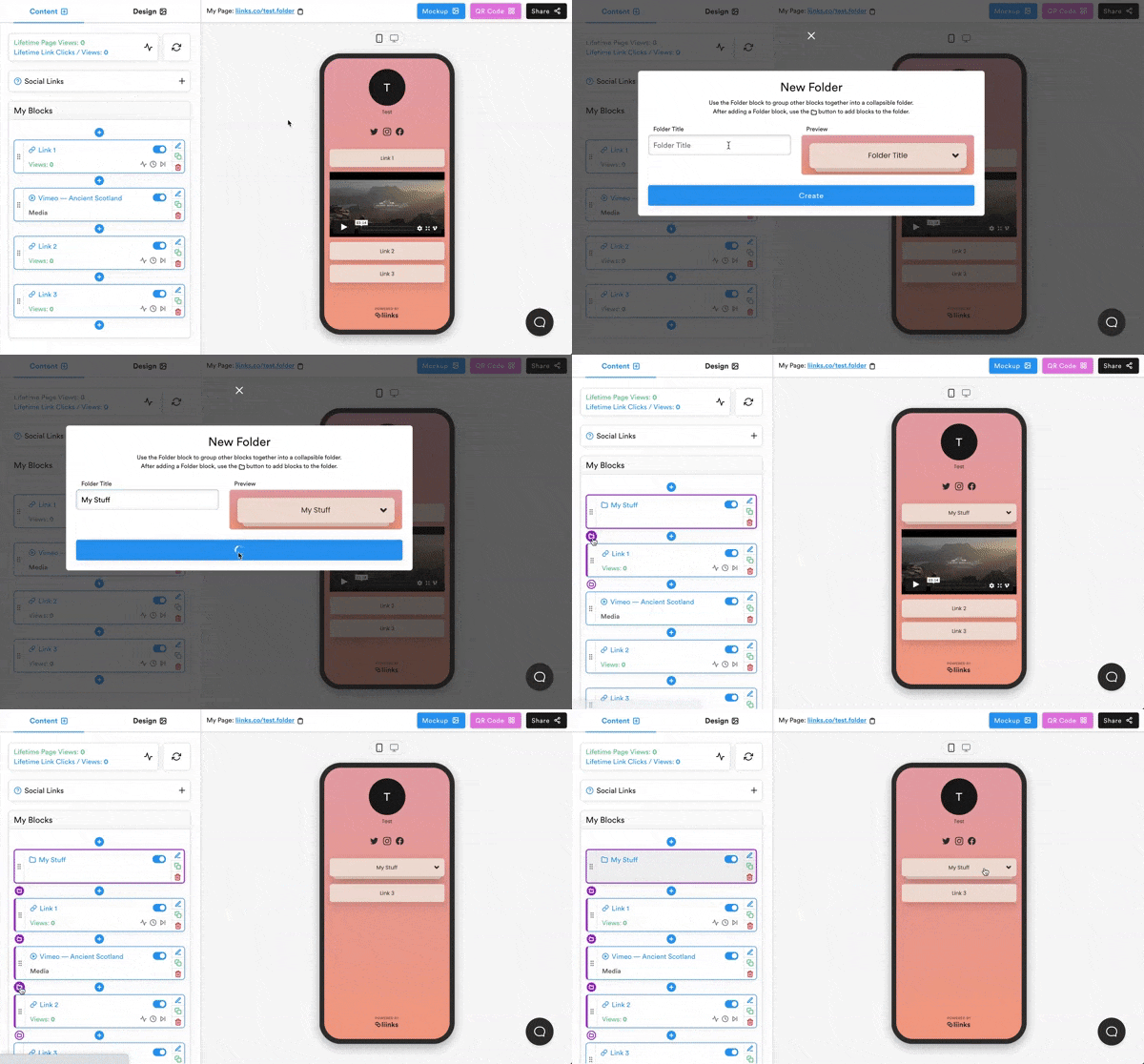
The Folder Block is a great new way to keep the blocks on your page organized.
First, add a folder block to your page. Then, click to folder icon in the top left corner of the block directly beneath the folder block. This will nest that block within the folder.
Any nested blocks will be hidden within the folder block, and will not be shown until a page visitor clicks on the folder block.